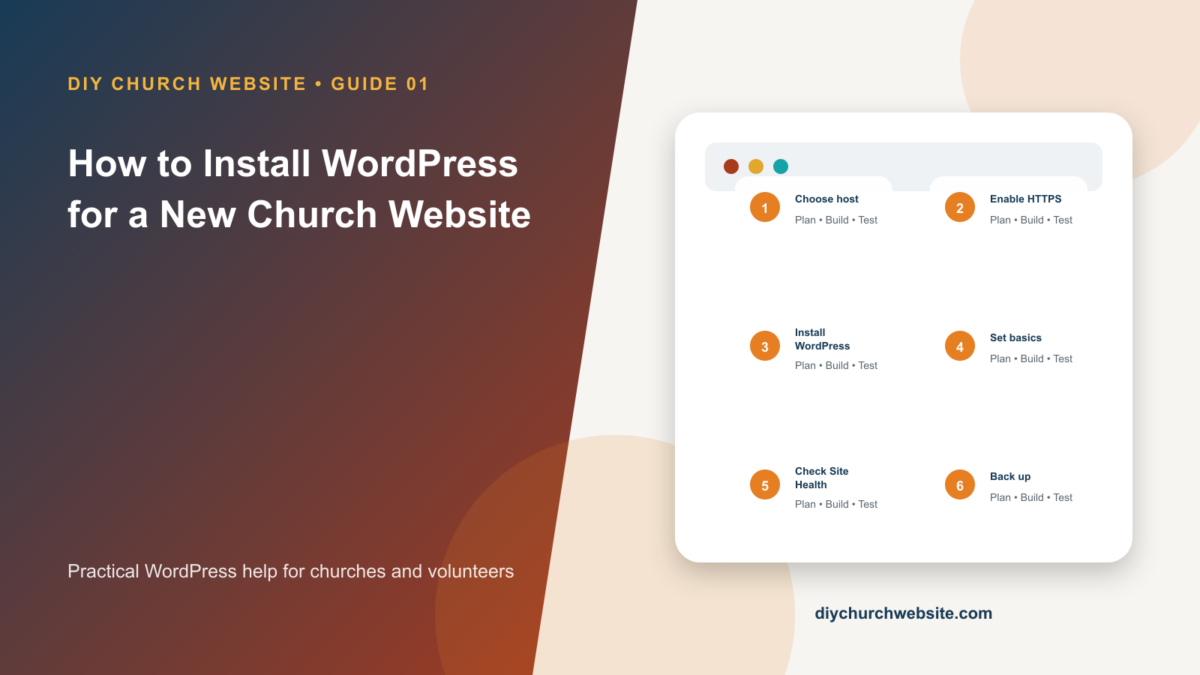
How to Install WordPress for a New Church Website
A careful beginner-friendly path from hosting account to a secure, working WordPress dashboard.
A careful beginner-friendly path from hosting account to a secure, working WordPress dashboard.
Install the DIY Church foundation, choose a child theme, import starter content safely, and customize without painting yourself into a corner.
Build an accessible contact form, route messages correctly, reduce spam, and make the page feel native to a DIY Church child theme.
Configure Rank Math deliberately, connect it to DIY Church layouts, and avoid duplicate titles, canonicals, schema, and sitemaps.
Use LiteSpeed Cache safely, verify that page caching is really available, and optimize without breaking forms, donations, or logged-in tools.
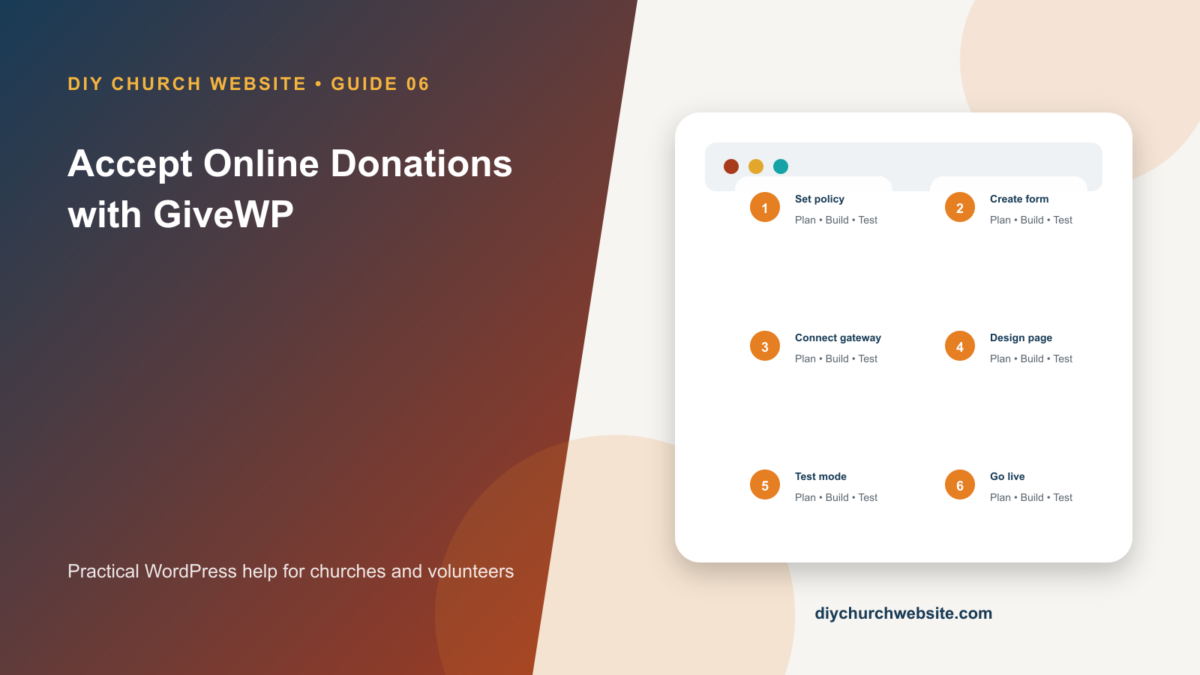
Create a trustworthy giving page, connect a payment gateway, test receipts, and keep donation data outside the theme.
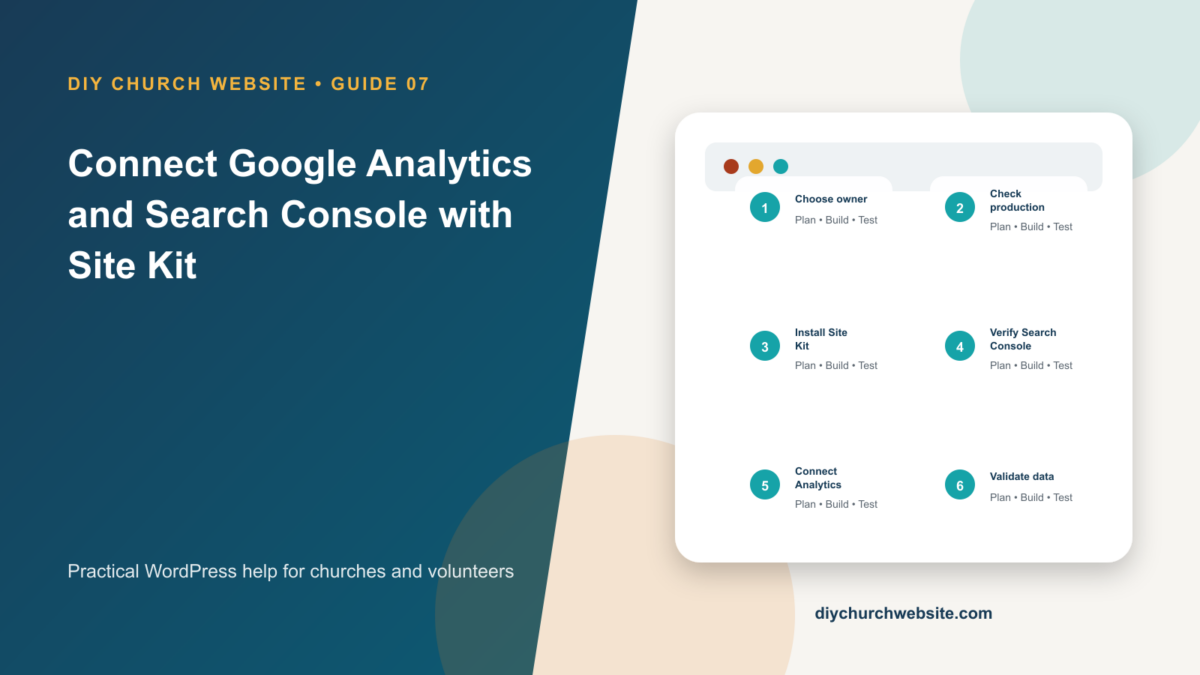
Set up church-owned Google properties, connect Site Kit, verify data collection, and respect visitor privacy.
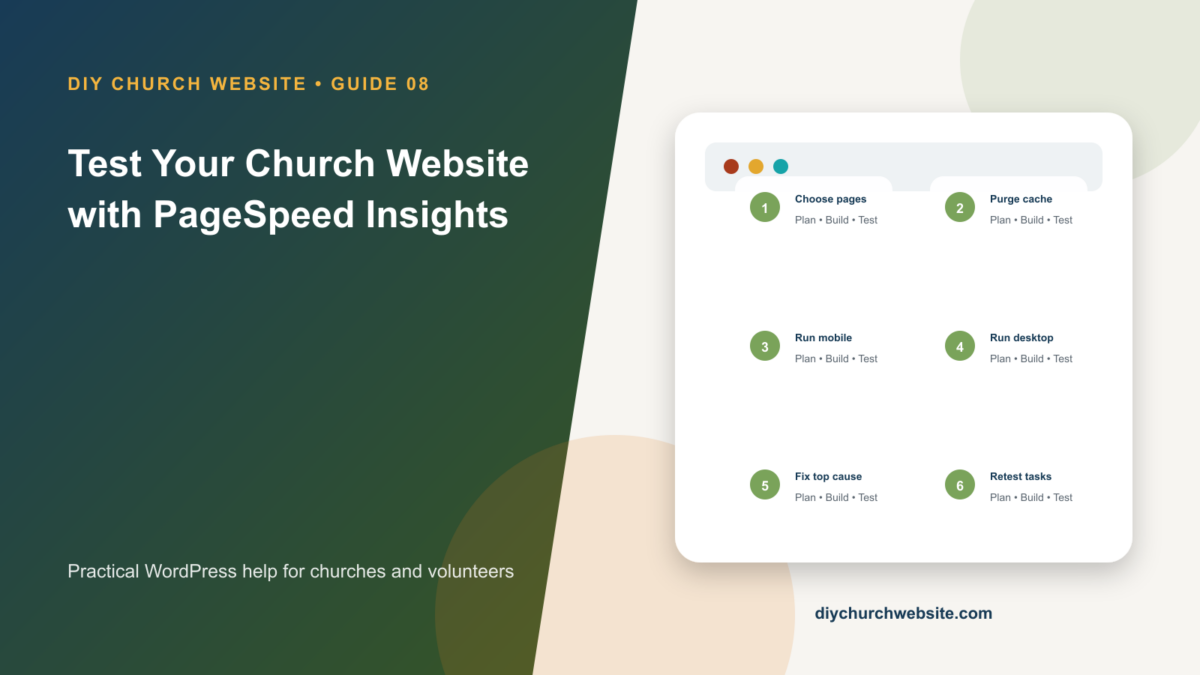
Read mobile and desktop reports correctly, distinguish field data from lab data, and turn diagnostics into an ordered improvement plan.
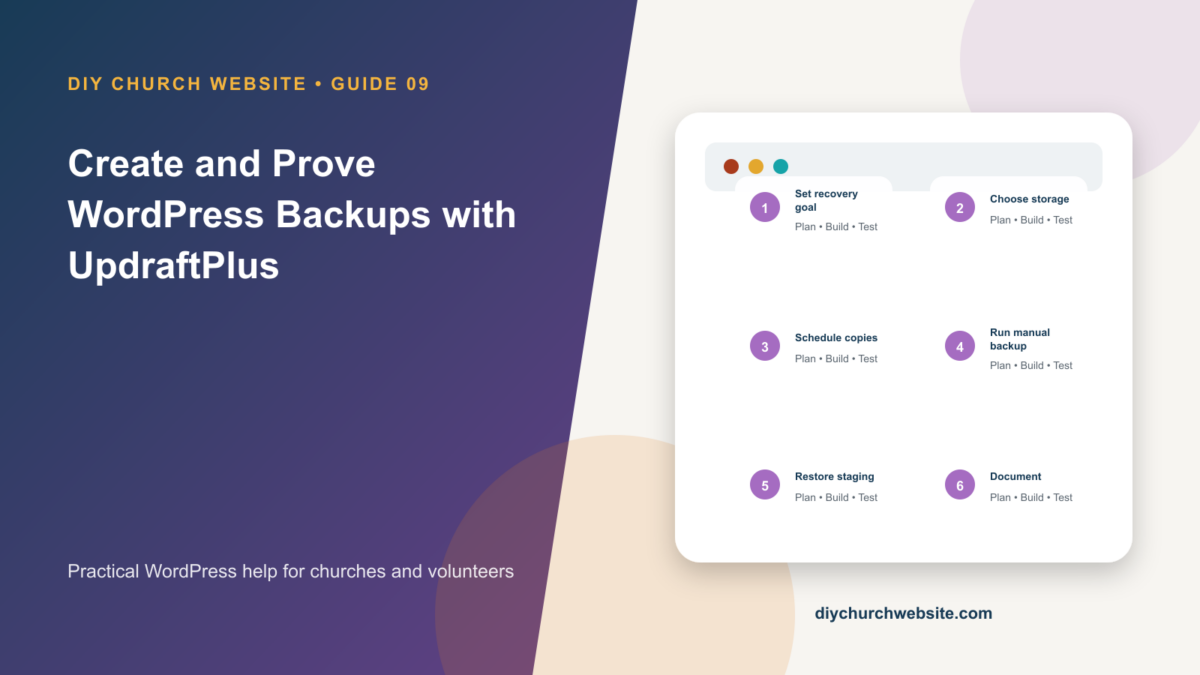
Schedule off-site backups, understand what must be included, and practice a restore before an emergency.
Add a firewall and scans without treating one plugin as a substitute for updates, backups, access control, and good hosting.