Practical, illustrated tutorials for building, securing, improving, and maintaining a church WordPress website.
Start with confidence
Choose the guide that matches your next task. Back up the site before important changes, use staging when possible, and never place passwords or API keys in a public support topic.
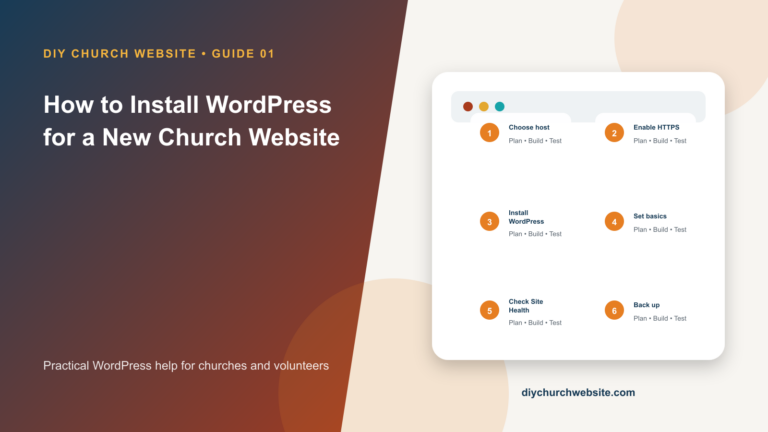
How to Install WordPress for a New Church Website
A careful beginner-friendly path from hosting account to a secure, working WordPress dashboard.
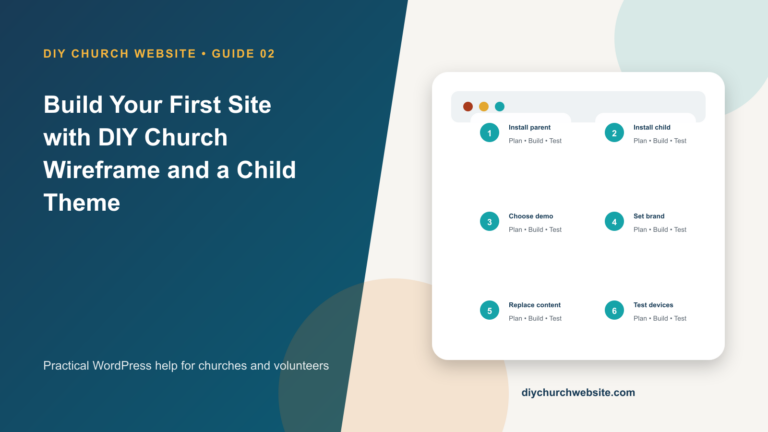
Build Your First Site with DIY Church Wireframe and a Child Theme
Install the DIY Church foundation, choose a child theme, import starter content safely, and customize without painting yourself into a corner.
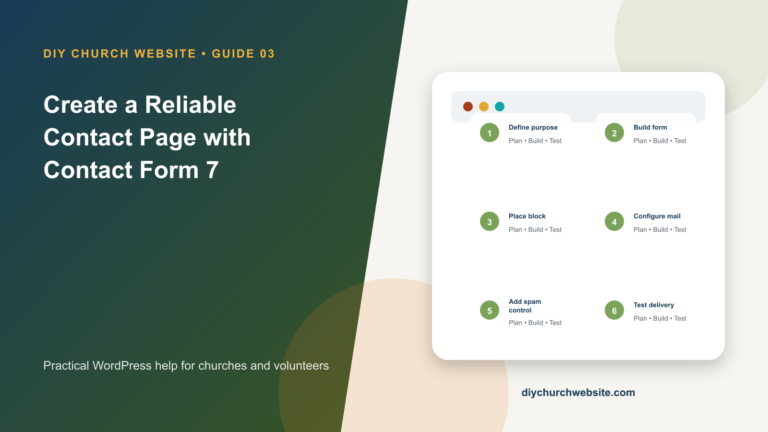
Create a Reliable Contact Page with Contact Form 7
Build an accessible contact form, route messages correctly, reduce spam, and make the page feel native to a DIY Church child theme.
Set Up Rank Math SEO Without Duplicating Your SEO System
Configure Rank Math deliberately, connect it to DIY Church layouts, and avoid duplicate titles, canonicals, schema, and sitemaps.
Speed Up a DIY Church Website with LiteSpeed Cache
Use LiteSpeed Cache safely, verify that page caching is really available, and optimize without breaking forms, donations, or logged-in tools.
Accept Online Donations with GiveWP
Create a trustworthy giving page, connect a payment gateway, test receipts, and keep donation data outside the theme.
Connect Google Analytics and Search Console with Site Kit
Set up church-owned Google properties, connect Site Kit, verify data collection, and respect visitor privacy.
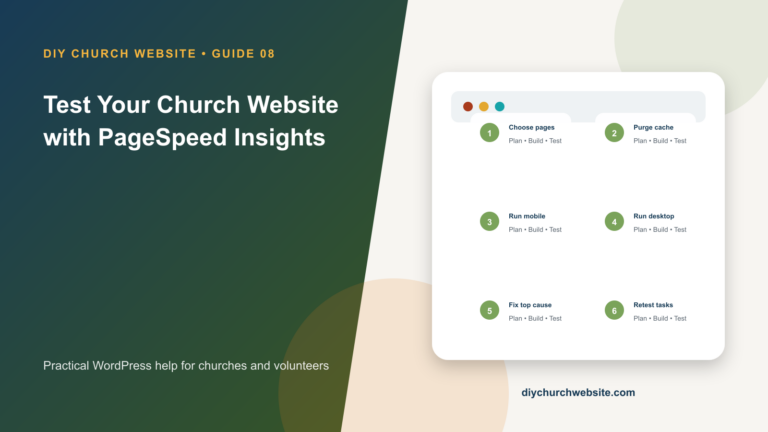
Test Your Church Website with PageSpeed Insights
Read mobile and desktop reports correctly, distinguish field data from lab data, and turn diagnostics into an ordered improvement plan.
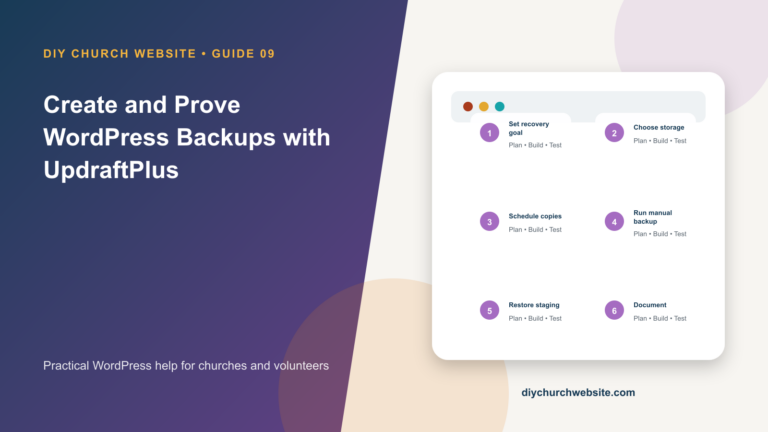
Create and Prove WordPress Backups with UpdraftPlus
Schedule off-site backups, understand what must be included, and practice a restore before an emergency.
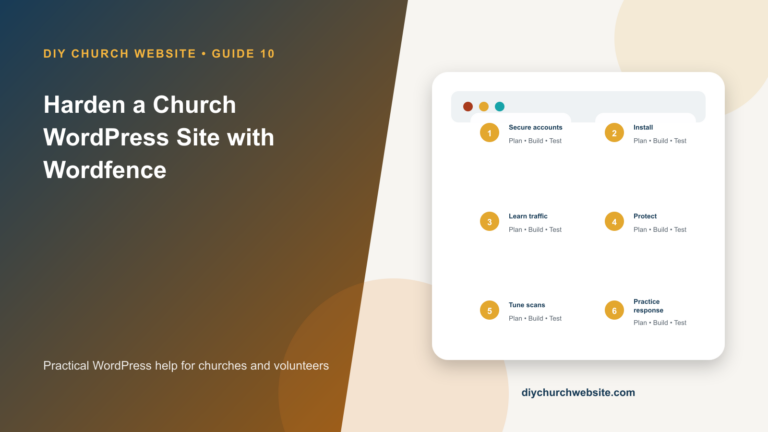
Harden a Church WordPress Site with Wordfence
Add a firewall and scans without treating one plugin as a substitute for updates, backups, access control, and good hosting.
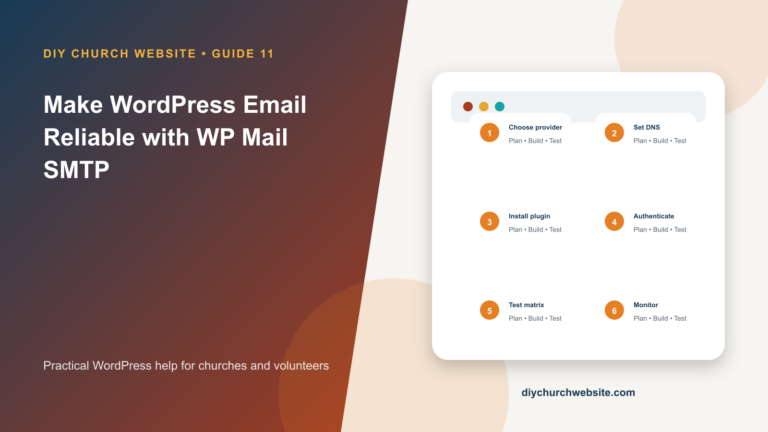
Make WordPress Email Reliable with WP Mail SMTP
Connect WordPress to authenticated mail, align the From address, and test every message the church depends on.
Publish Sermons and Events with DIY Sermons and DIY Church Events
Create reusable speakers, campuses, Scripture references, sermon media, podcast feeds, and event calendars that stay portable across themes.
Choose WordPress Hosting for a Church Website
Evaluate hosting by recovery, performance, ownership, support, and compatibility instead of introductory price alone.
Update WordPress Safely with Maintenance and Construction Mode
Use staging, verified backups, appropriate HTTP behavior, and a repeatable test plan for WordPress, parent-theme, child-theme, and plugin updates.
Make Church Website Content More Accessible and Private
Improve headings, images, links, keyboard use, forms, captions, contrast, data collection, and publishing habits across every DIY Church layout.
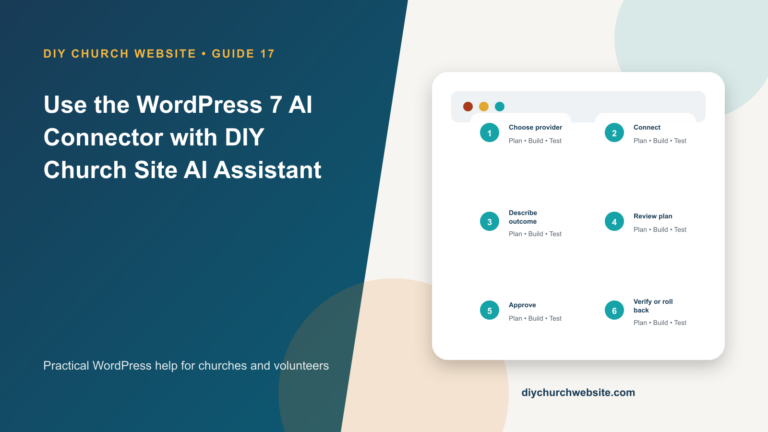
Use the WordPress 7 AI Connector with DIY Church Site AI Assistant
Connect a provider, understand the safety boundary, generate a site plan, approve changes, and roll them back without giving AI access to theme code.