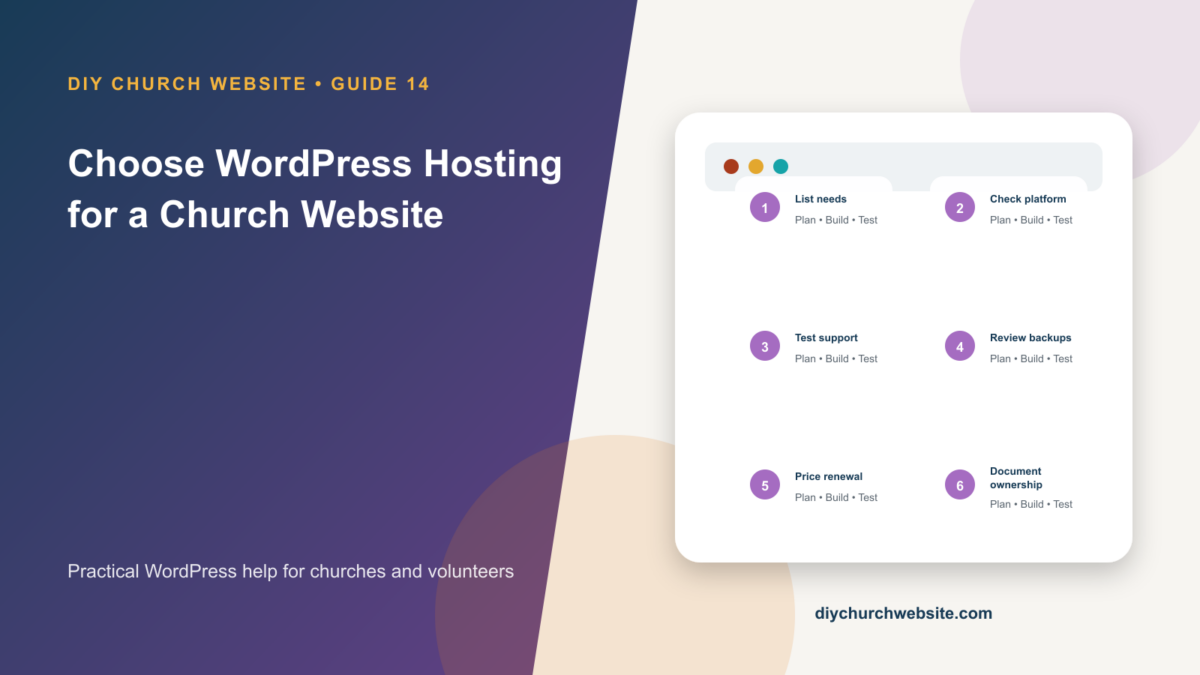
Evaluate hosting by recovery, performance, ownership, support, and compatibility instead of introductory price alone.
What you will accomplish: You will have a vendor-neutral scorecard and the questions needed to compare hosting plans responsibly.
Before you begin
Work on a staging site when possible. Make a current database-and-files backup, record the installed versions, and identify the person who can approve production changes. Menu names can move slightly between plugin releases, so use the linked official documentation when an interface differs.
Start with non-negotiable requirements
Ask for current WordPress-recommended PHP and database versions, HTTPS, automatic certificates, modern TLS, SFTP or SSH, cron support, adequate storage, and a documented backup and restore system.
Confirm that the host permits the plugins the church plans to use, including bbPress, GiveWP, media-heavy sermons, caching, SMTP, security, and WordPress 7.0 AI connector providers.
Value recovery and staging
A useful backup feature states frequency, retention, storage location, restoration steps, and cost. Ask whether the church can restore without opening a ticket and whether backups survive cancellation or account compromise.
A staging environment should copy production safely, block public indexing, and allow changes to be pushed without overwriting new donations, forum replies, registrations, or form entries.
Measure support quality
Ask who supports WordPress application issues, average response channels, emergency coverage, malware policy, migration assistance, and server-level cache behavior. Save the pre-sales answers.
A church should own the hosting account, billing profile, domain, DNS, and recovery methods. A vendor or volunteer can receive delegated access without becoming the sole owner.
Estimate real cost
Compare renewal pricing, storage and traffic limits, email hosting, backups, staging, CDN, malware cleanup, migration, support level, and overage fees. Media archives may need external audio or video hosting even when the website plan looks unlimited.
Choose the simplest plan that meets recovery and performance needs, then record an exit plan: how to export files, database, DNS, mail, and account records.
How this fits the DIY Church ecosystem
DIY Church Wireframe and its child themes handle presentation. Keep operational records in their appropriate plugins so sermons, events, forms, donations, forum topics, SEO settings, and analytics remain available if the visual design changes. Clear page, server, and CDN caches after configuration changes, then verify the result while signed out.
Completion checklist
- ☐ Modern PHP, database, and HTTPS supported
- ☐ Staging is available
- ☐ Backups have stated retention and restore path
- ☐ Server cron and transactional mail are supported
- ☐ Church owns domain, DNS, and billing
- ☐ Renewal and exit costs are known
Common mistakes to avoid
- Buying from an affiliate list without a requirements check.
- Treating unlimited storage as unlimited performance.
- Registering the domain in a developer's personal account.
Keep a change record
Record the date, administrator, versions, settings changed, pages tested, and rollback location. Do not put passwords, API keys, recovery codes, donor information, private member information, or connector credentials in the record.
Official references
Watch a guided walkthrough
This carefully selected walkthrough from WPBeginner complements the written steps above. The written guide remains the primary reference because third-party interfaces and videos can change.
Watch “How to Choose the Best WordPress Hosting” on YouTube
Interfaces and service terms can change. This guide was prepared July 14, 2026; verify current requirements and privacy terms before production use.