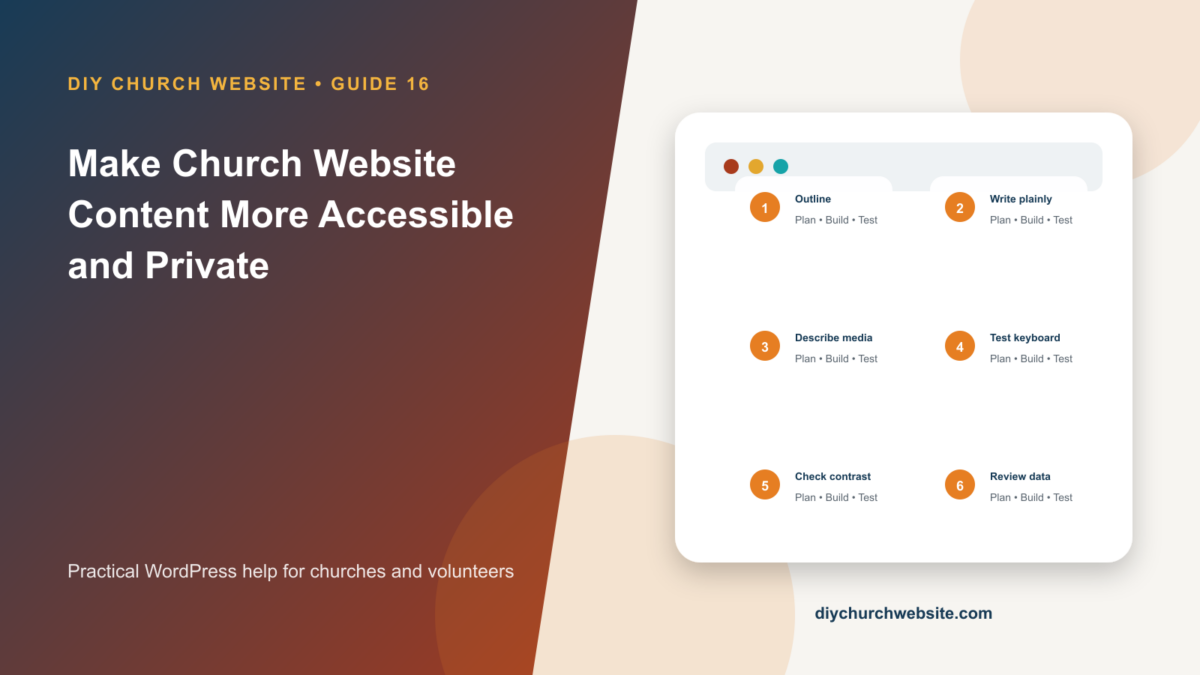
Improve headings, images, links, keyboard use, forms, captions, contrast, data collection, and publishing habits across every DIY Church layout.
What you will accomplish: You will have an editor-level checklist that improves access for real people without requiring a redesign.
Before you begin
Work on a staging site when possible. Make a current database-and-files backup, record the installed versions, and identify the person who can approve production changes. Menu names can move slightly between plugin releases, so use the linked official documentation when an interface differs.
Write a meaningful structure
Use one descriptive page title and a logical heading sequence. Headings describe sections; they are not a way to make text larger. Keep paragraphs short, put the main answer early, and use lists for real lists.
Link text should name the destination or action. Replace click here with wording such as Read the DIY Church Wireframe manual.
Treat images and media intentionally
Write concise alternative text for informative images that describes their purpose in context. Use an empty alt value for decorative images. Do not repeat a caption word for word in alt text.
Caption sermon video, provide transcripts when practical, and offer accessible documents. Avoid placing essential service times or addresses only inside a graphic.
Test interaction, not appearance alone
Navigate the page with only a keyboard. The focus indicator should remain visible, menus should open, forms should be labeled, errors should explain how to recover, and buttons should have descriptive names.
Check color contrast, zoom to 200 percent, test narrow screens, and verify that motion can be avoided. Automated scanners help find patterns but do not replace keyboard and screen-reader review.
Collect less data
Every form, donation field, analytics tag, forum profile, registration, and AI connector prompt should have a clear purpose, owner, retention plan, and access rule. Do not ask for information simply because a plugin offers a field.
Publish a privacy notice based on the site's real configuration. Never send passwords, payment data, counseling details, private member records, or connector credentials to public support or AI tools.
How this fits the DIY Church ecosystem
DIY Church Wireframe and its child themes handle presentation. Keep operational records in their appropriate plugins so sermons, events, forms, donations, forum topics, SEO settings, and analytics remain available if the visual design changes. Clear page, server, and CDN caches after configuration changes, then verify the result while signed out.
Completion checklist
- ☐ Heading outline is logical
- ☐ Images have purposeful alt decisions
- ☐ Videos have captions or transcripts
- ☐ Keyboard path and focus are visible
- ☐ Forms label errors clearly
- ☐ Collected data has purpose and retention
Common mistakes to avoid
- Using headings for visual size.
- Writing alt text that begins image of.
- Installing an accessibility overlay instead of fixing content and interaction.
Keep a change record
Record the date, administrator, versions, settings changed, pages tested, and rollback location. Do not put passwords, API keys, recovery codes, donor information, private member information, or connector credentials in the record.
Official references
Watch a guided walkthrough
This carefully selected walkthrough from WordPress complements the written steps above. The written guide remains the primary reference because third-party interfaces and videos can change.
Watch “Testing Your Content for Accessibility” on YouTube
Interfaces and service terms can change. This guide was prepared July 14, 2026; verify current requirements and privacy terms before production use.