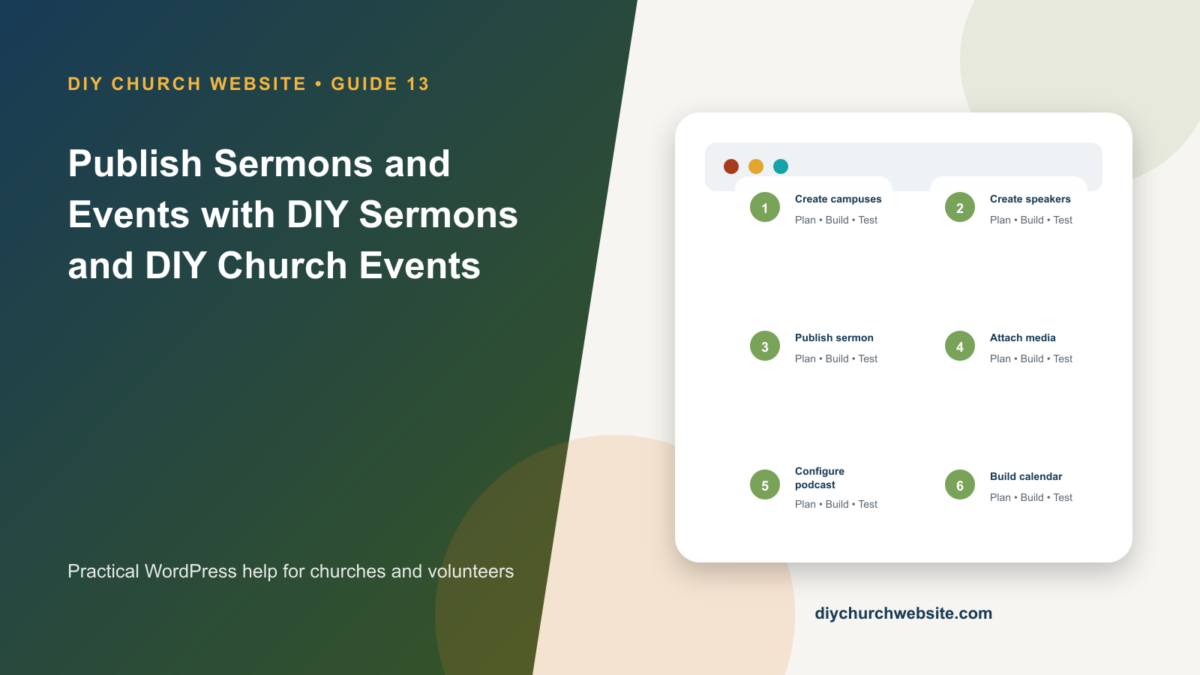
Create reusable speakers, campuses, Scripture references, sermon media, podcast feeds, and event calendars that stay portable across themes.
What you will accomplish: You will establish a content workflow that avoids duplicate speakers and campuses while producing useful sermon archives and calendars.
Before you begin
Work on a staging site when possible. Make a current database-and-files backup, record the installed versions, and identify the person who can approve production changes. Menu names can move slightly between plugin releases, so use the linked official documentation when an interface differs.
Create shared foundations first
Define campuses with consistent names, addresses, time zones, contact information, and map links. Then create speaker profiles with biographies, education, ministry roles, photos, social links, and campus assignments.
Agree on naming rules before importing older records. Pastor J. Smith and John Smith should not become separate people by accident.
Publish a complete sermon record
Add the title, date, speaker, series, campus, topics, and a concise summary. Select Scripture references and the desired Bible translation; demo and default references use the King James Version.
Attach accessible audio, a self-hosted or external video, notes or PDF handouts, transcript when available, and a useful featured image. Use WordPress Media Library by default; move to object storage only after the team understands costs and permissions.
Build podcast and sharing quality
Complete the podcast identity, artwork, author, description, category, owner email, and feed settings. Validate the feed before submitting it to podcast directories and keep the public media URL stable.
Write unique social titles and descriptions, provide an image suited to sharing, and test a real share rather than relying only on preview tools.
Coordinate events with campuses and speakers
Create categories, venues, recurrence, registration settings, contact details, speakers, and campus assignments. Review time zones and daylight-saving behavior for recurring schedules.
Use the Gutenberg blocks or documented shortcodes to build sermon grids, lists, filters, calendars, and upcoming-event sections. The plugins retain these records when a different DIY Church child theme is activated.
How this fits the DIY Church ecosystem
DIY Church Wireframe and its child themes handle presentation. Keep operational records in their appropriate plugins so sermons, events, forms, donations, forum topics, SEO settings, and analytics remain available if the visual design changes. Clear page, server, and CDN caches after configuration changes, then verify the result while signed out.
Completion checklist
- ☐ Campus names are standardized
- ☐ Speaker profiles are deduplicated
- ☐ Scripture translation is intentional
- ☐ Audio, video, documents, and transcript are tested
- ☐ Podcast feed validates
- ☐ Recurring events are checked across time changes
Common mistakes to avoid
- Creating a new speaker spelling for every sermon.
- Uploading enormous video files to inexpensive shared hosting.
- Publishing recurring events without checking the final generated dates.
Keep a change record
Record the date, administrator, versions, settings changed, pages tested, and rollback location. Do not put passwords, API keys, recovery codes, donor information, private member information, or connector credentials in the record.
Official references
Interfaces and service terms can change. This guide was prepared July 14, 2026; verify current requirements and privacy terms before production use.