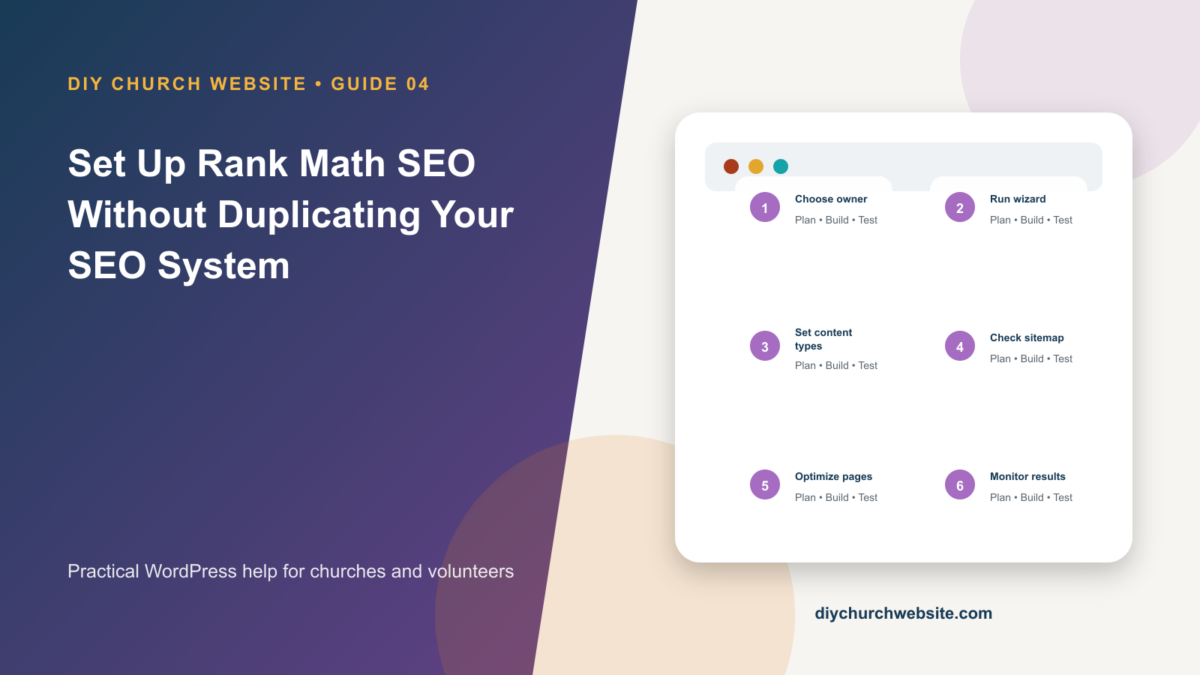
Configure Rank Math deliberately, connect it to DIY Church layouts, and avoid duplicate titles, canonicals, schema, and sitemaps.
What you will accomplish: You will have one clearly designated SEO owner and a repeatable optimization routine for pages, sermons, events, and posts.
Before you begin
Work on a staging site when possible. Make a current database-and-files backup, record the installed versions, and identify the person who can approve production changes. Menu names can move slightly between plugin releases, so use the linked official documentation when an interface differs.
Choose one SEO engine
Rank Math and DIY Church Simple SEO both manage titles, descriptions, canonicals, robots directives, social metadata, schema, and sitemaps. Do not leave both systems generating the same output. Pick one primary SEO engine and deactivate the other before configuration.
The theme controls page presentation, but search metadata is best handled consistently by the chosen SEO plugin across every template and content type.
Run the setup wizard conservatively
Install Rank Math and open Rank Math SEO > Dashboard > Setup Wizard. Choose the site type that accurately describes the church, add the organization name and logo, and connect services only through church-owned accounts.
Enable only modules the team will maintain. More modules do not automatically produce better rankings. Record the chosen settings before changing advanced robots or schema controls.
Set content-type defaults
Review Titles & Meta for posts, pages, sermon records, event records, speaker profiles, and campus archives. Public useful archives can be indexed; thin or administrative archives should not be exposed merely because they exist.
Use one canonical URL per item. Write unique descriptions for important landing pages rather than forcing the same tagline into every result.
Optimize content for people first
For each page, choose a clear search intent, write a descriptive title, use one visible H1, organize the body with meaningful H2 headings, and add internal links to the next useful action.
Treat the plugin's score as a checklist, not an editorial command. Accurate service times, campus information, sermon details, accessible media, and trustworthy local identity matter more than repeating a keyword.
How this fits the DIY Church ecosystem
DIY Church Wireframe and its child themes handle presentation. Keep operational records in their appropriate plugins so sermons, events, forms, donations, forum topics, SEO settings, and analytics remain available if the visual design changes. Clear page, server, and CDN caches after configuration changes, then verify the result while signed out.
Completion checklist
- ☐ Only one SEO plugin outputs metadata
- ☐ Organization identity and logo are correct
- ☐ Sitemap contains intended public content
- ☐ Canonicals use HTTPS production URLs
- ☐ Sermon and event archives have intentional rules
- ☐ Search Console receives the sitemap
Common mistakes to avoid
- Running Rank Math and DIY Church Simple SEO together.
- Indexing staging or demo content.
- Changing URL slugs after launch without redirects.
Keep a change record
Record the date, administrator, versions, settings changed, pages tested, and rollback location. Do not put passwords, API keys, recovery codes, donor information, private member information, or connector credentials in the record.
Official references
Watch a guided walkthrough
This carefully selected walkthrough from WPGIZ complements the written steps above. The written guide remains the primary reference because third-party interfaces and videos can change.
Watch “WordPress SEO Setup Tutorial with Rank Math Free” on YouTube
Interfaces and service terms can change. This guide was prepared July 14, 2026; verify current requirements and privacy terms before production use.