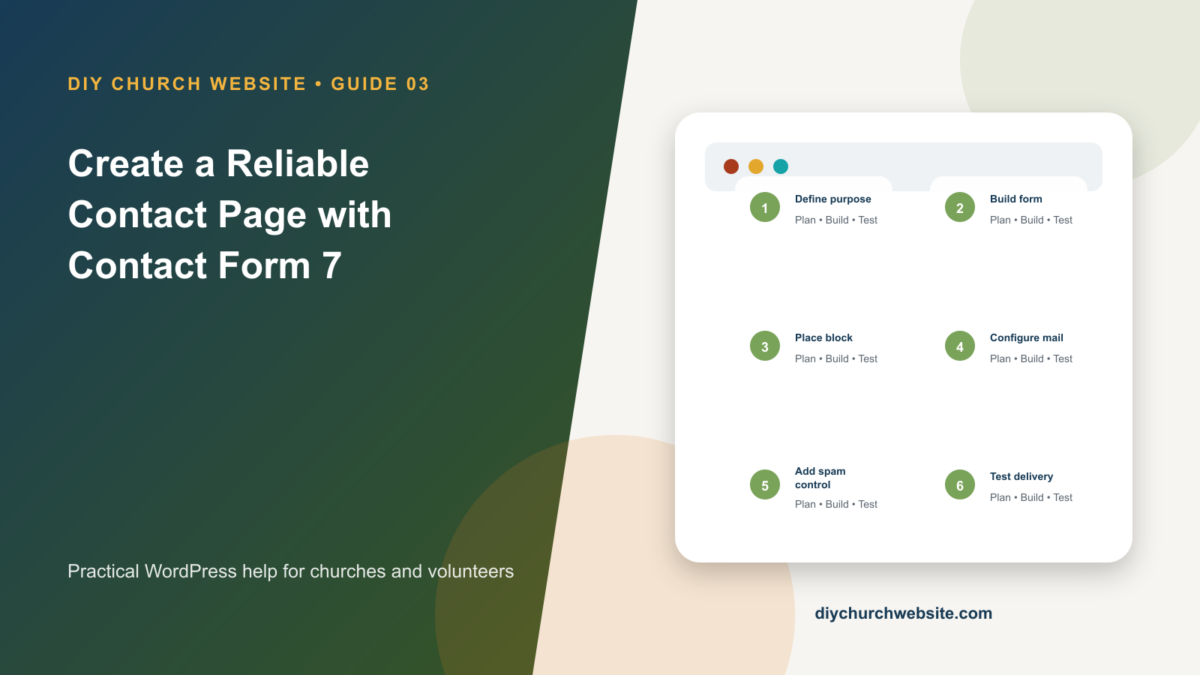
Build an accessible contact form, route messages correctly, reduce spam, and make the page feel native to a DIY Church child theme.
What you will accomplish: You will publish a focused contact form and prove that both the visitor confirmation and church notification actually arrive.
Before you begin
Work on a staging site when possible. Make a current database-and-files backup, record the installed versions, and identify the person who can approve production changes. Menu names can move slightly between plugin releases, so use the linked official documentation when an interface differs.
Decide what the form is for
A general contact form should collect only what staff need to respond: name, reply email, topic, and message. Sensitive prayer requests, counseling details, children's information, or financial data deserve separate policies and workflows.
Name the staff role that receives submissions and who covers absences. A technically working form can still fail people if nobody owns the inbox.
Build and place the form
Install Contact Form 7 from Plugins > Add New, then open Contact > Contact Forms. Edit the default form or create one with clear labels above every field. Mark required fields in text as well as visually.
Create a Contact page and insert the Contact Form 7 block, selecting the form from the list. Shortcodes remain available, but the block is easier for future editors.
- Use a real submit label such as Send Message.
- Add a short privacy statement near the button.
- Keep the form narrow enough to read comfortably on desktop.
Configure mail without impersonation
In the Mail tab, send notifications from an address on the website's own domain. Put the visitor's address in Reply-To rather than From. This arrangement is more likely to pass modern email authentication checks.
Add the form fields to the message body, include the page URL, and avoid attaching arbitrary visitor uploads unless there is a documented need and strict file controls.
Test delivery and spam controls
Submit the form from a private browser window using an address outside the church domain. Confirm the success message, staff notification, Reply-To behavior, and any visitor confirmation.
Contact Form 7 is not a substitute for authenticated mail delivery. Pair it with a configured transactional mail or SMTP plugin, then retest after DNS, caching, or anti-spam changes.
How this fits the DIY Church ecosystem
DIY Church Wireframe and its child themes handle presentation. Keep operational records in their appropriate plugins so sermons, events, forms, donations, forum topics, SEO settings, and analytics remain available if the visual design changes. Clear page, server, and CDN caches after configuration changes, then verify the result while signed out.
Completion checklist
- ☐ Every field has a visible label
- ☐ From address uses the site domain
- ☐ Visitor email is in Reply-To
- ☐ Staff and visitor test messages arrive
- ☐ Privacy language matches collected data
- ☐ Mobile form is easy to complete
Common mistakes to avoid
- Using the visitor's email address as From.
- Assuming a green success message proves email delivery.
- Collecting sensitive information through a general inbox.
Keep a change record
Record the date, administrator, versions, settings changed, pages tested, and rollback location. Do not put passwords, API keys, recovery codes, donor information, private member information, or connector credentials in the record.
Official references
Watch a guided walkthrough
This carefully selected walkthrough from WordPress Tutorials – WPLearningLab complements the written steps above. The written guide remains the primary reference because third-party interfaces and videos can change.
Watch “The Ultimate Contact Form 7 WordPress Tutorial (For Beginners!)” on YouTube
Interfaces and service terms can change. This guide was prepared July 14, 2026; verify current requirements and privacy terms before production use.