Plugin · Free with no premium tier
A portable SEO companion with deep integration for Cheetah Wireframe and graceful support for other themes.
What it can do
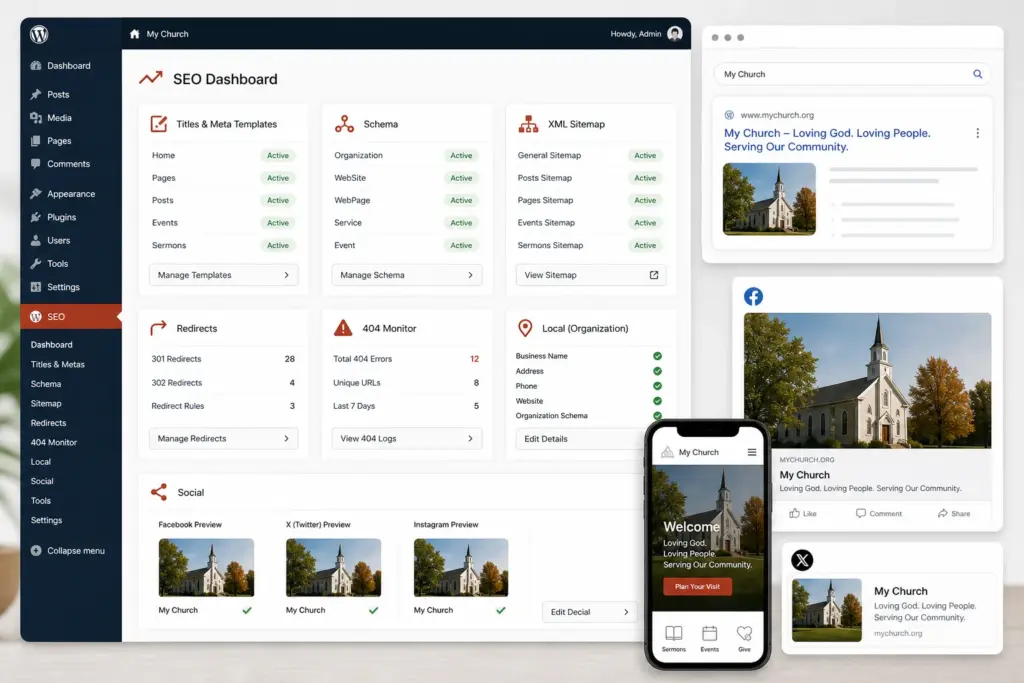
- Title and meta-description templates plus per-content overrides
- Canonical URLs and robots directives
- Open Graph and social-card controls
- Schema.org JSON-LD for site, organization, content, local, and commerce contexts
- XML sitemap extensions and sitemap controls
- Redirect manager and missing-page monitoring
- Content analysis and safe technical defaults
- IndexNow support for participating search engines
- Local organization and WooCommerce SEO
- Optional administrator-owned Google reporting integration
- Reviewable WordPress AI change sets that are never silently applied
- Compatibility mode that prevents duplicate output when another established SEO system is active
Designed for practical setup
This product is built for churches and site administrators who need a complete, understandable workflow without being forced into a paid upgrade. The interface uses normal WordPress permissions and APIs, and optional companion integrations fail gracefully when they are not installed.
Requirements
- WordPress and PHP versions listed in the included readme
- An administrator account for installation and setup
- A current backup before changing a production site
Typical setup
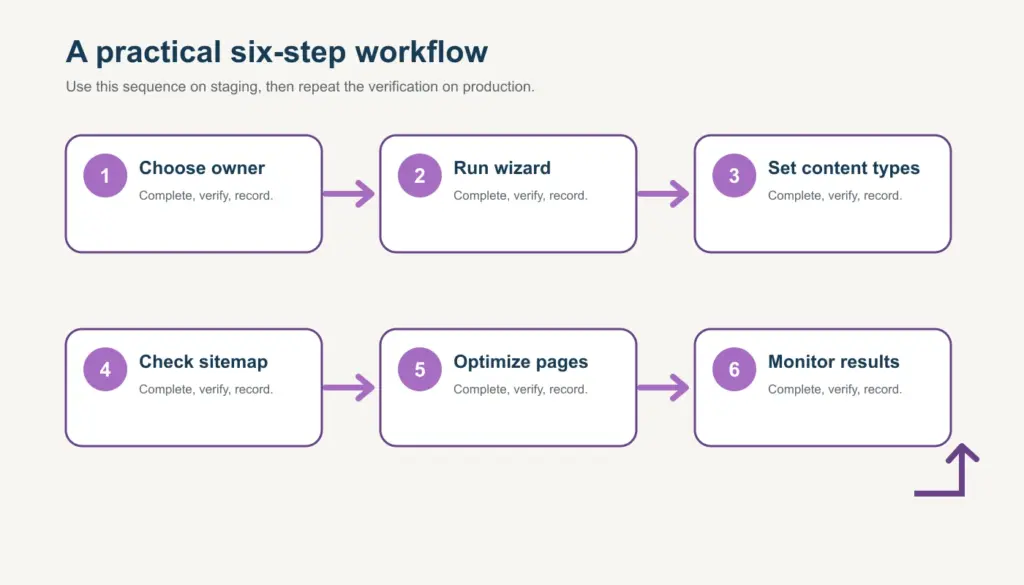
- Download and upload the plugin under Plugins > Add Plugin.
- Activate it and review its settings before publishing content.
- Test the primary workflow on a staging site or with sample content.
- Use the documentation and community forum when you need guidance.
Free, self-serve support
The download is provided free for the church community. Start with the manual and WordPress Guides, search the support forum, and then open a registered support topic if the answer is not already available. Forum participation requires a free account so discussions can be moderated and followed up responsibly.