A reverent, traditional design for churches that want warmth, dignity, and a familiar sanctuary feel.
- Price
- Free. No premium tier.
- Current release
- 1.4.1
- Support
- Manuals, guides, and registered community forum
See the product at work
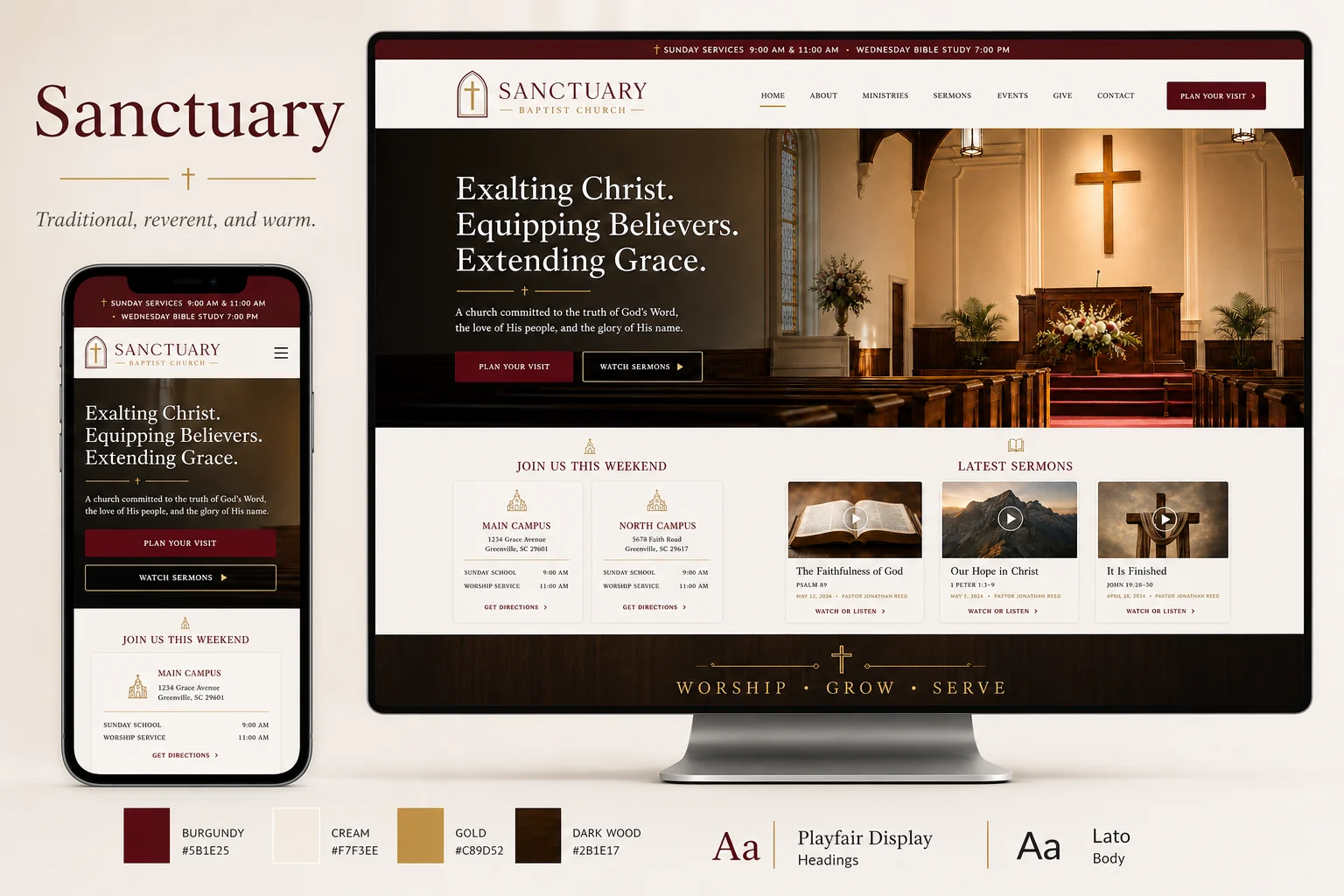
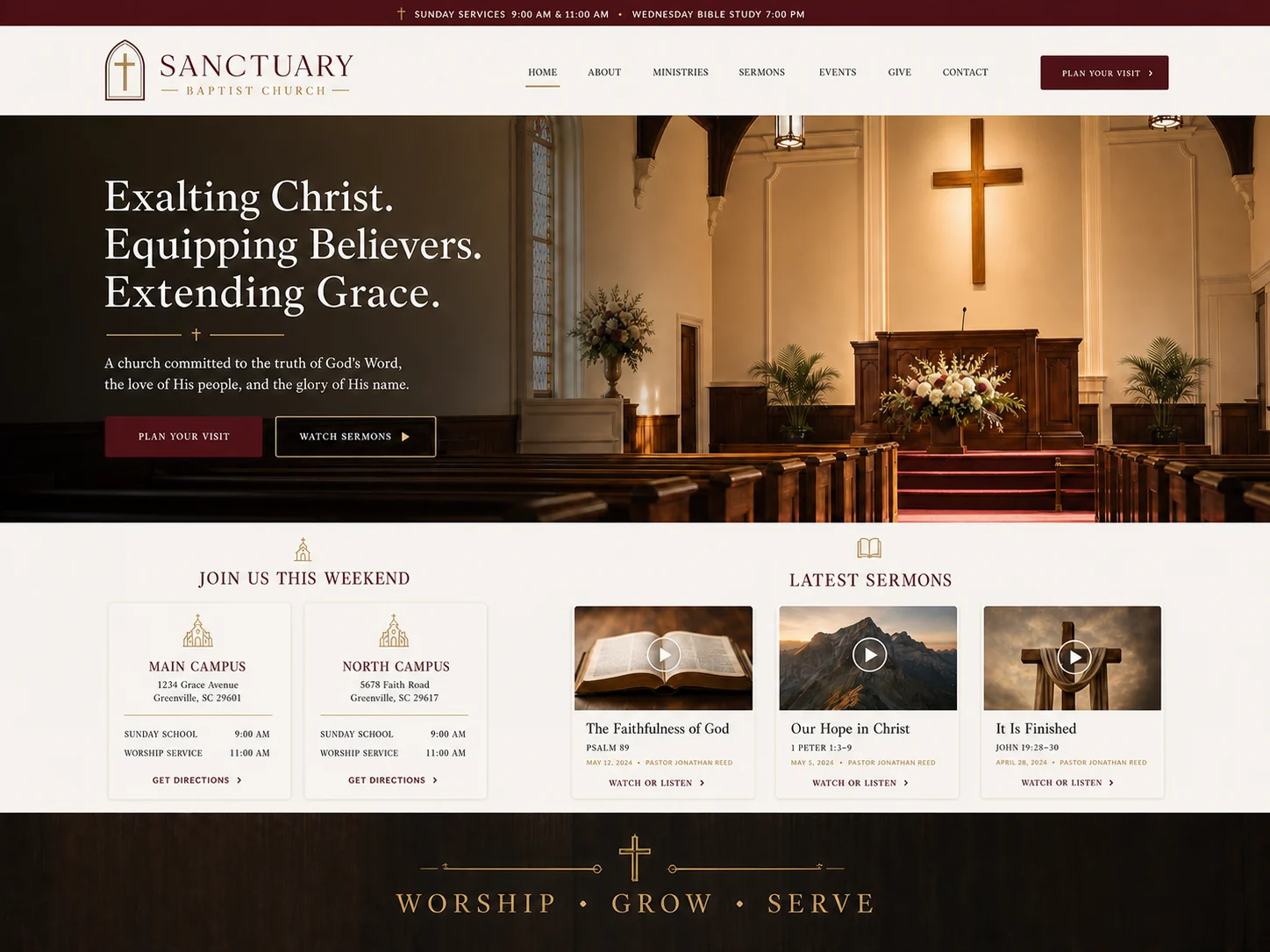
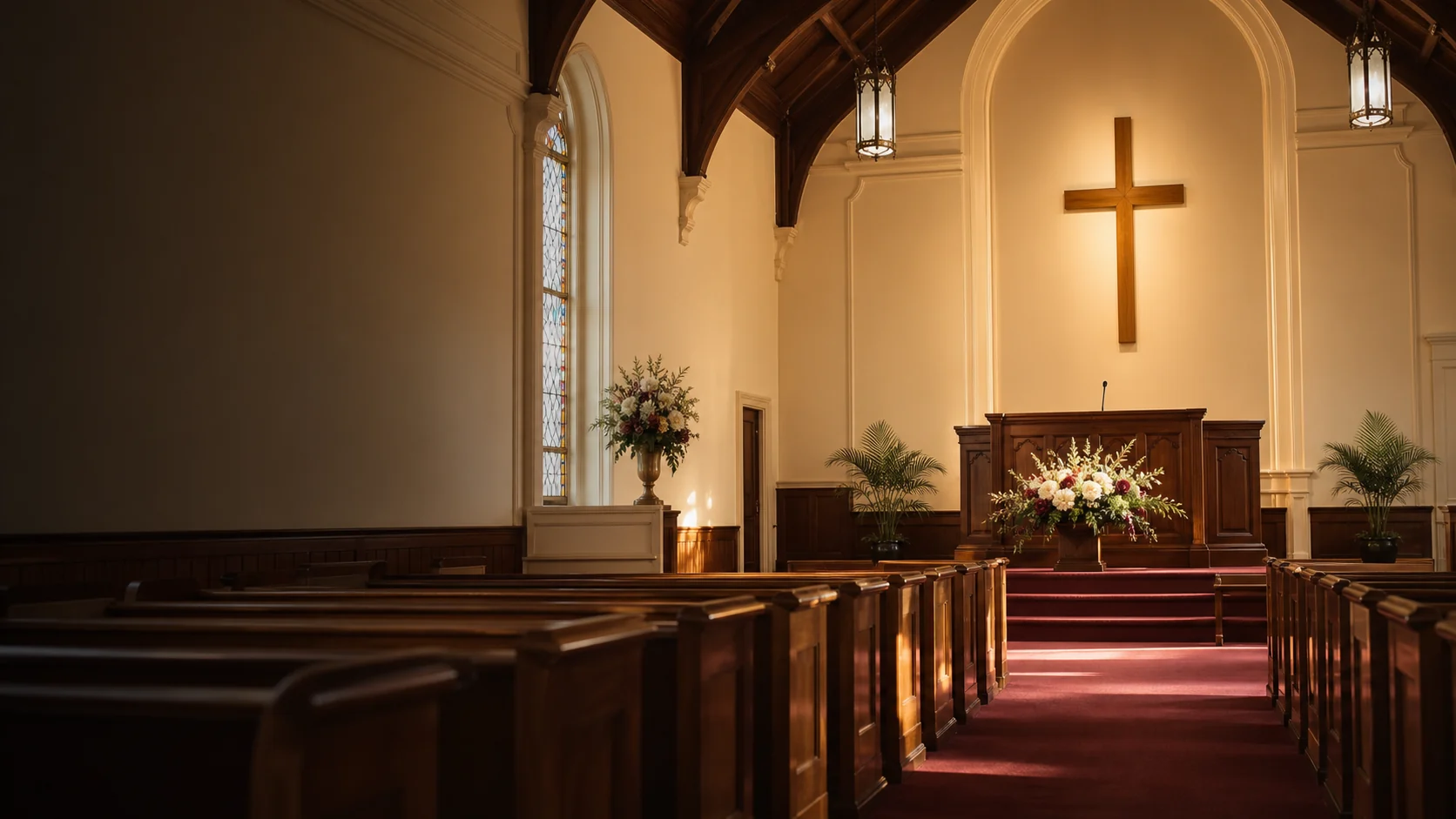
Compare the original desktop-and-phone concept, the WordPress theme screenshot, and the supporting hero artwork. The first image also records the intended palette and typography.
Capabilities, not locked upgrades
The complete feature set ships in the free download.
- Traditional sanctuary-inspired palette and refined serif typography
- Prominent worship times, Scripture, latest sermon, and ministry pathways
- A reverent visual tone suited to established congregations
- Responsive desktop, tablet, and mobile presentation
- Two-choice activation: import the demo or begin without demo content
- Duplicate-safe local demo importer with a targeted rollback tool
- Christian starter content with Protestant/Baptist language and KJV references
- Starter pages for worship, beliefs, ministries, leadership, contact, and next steps
- Optional DIY Sermons layouts for sermons, series, speakers, and media
- Optional DIY Church Events layouts for calendars and event details
- Single-campus and multi-campus demo structures
- WordPress block editor, menus, widgets, featured images, and translation support
- Inherits DIY Church Wireframe accessibility, layout, header, footer, and performance controls
- Works normally when the sermon, event, SEO, or AI companion plugins are absent
- GPL-licensed package with no premium upgrade requirement
Before installation
This product follows normal WordPress permissions and APIs. Optional integrations fail gracefully when their companion plugin is absent.
Requirements
- WordPress 7.0 or newer
- PHP 7.4 or newer
- DIY Church Wireframe 3.1.3 or newer installed first
Set it up
- Install DIY Church Wireframe, then upload this child theme.
- Choose the optional Christian demo or begin with a clean site.
- Replace the sample identity, service details, photographs, and ministry information.
- Connect DIY Sermons and DIY Church Events only when those features are needed.
Version history
This current release is the starting point for public release notes. Future updates will be added here with compatibility notes and a concise change summary.
Version 1.4.1
Starting release record. This is the current package distributed by DIY Church Website and the baseline for all release notes going forward.
- Traditional sanctuary-inspired palette and refined serif typography
- Prominent worship times, Scripture, latest sermon, and ministry pathways
- A reverent visual tone suited to established congregations
- Responsive desktop, tablet, and mobile presentation
Download, read, then test.
Keep a current backup and use staging for important changes. Start with the manual and guides; search the forum before opening a registered support topic.